sandbox-cli
sandbox studio

The same boundary, driven from a browser

Studio is a local control plane: every agent run, the boundary it ran inside, and what it changed. Nothing about the sandbox changes — a run launched here goes through the same resolution as one launched from your shell, and shows up in sandbox-cli list alongside it.

two processes

A daemon holding the docker socket and answering HTTP on loopback, and a Next app in your browser. Almost everything that goes wrong the first time is the two disagreeing about a port, an origin, or a token — which is why the walkthrough below tags every step with the side it belongs to.

The daemon launches containers, so it answers who may ask it to before it answers anything else. A control plane on 127.0.0.1 is reachable by any page you happen to have open, and three checks stand in the way — worth reading before you meet them as a 403.

bringing it up

Two ways in, and they do not mix

Pick one and follow it through. Running half of each is how you end up with a UI that cannot reach a daemon, which is the single most common way this setup fails.

If Claude Code has never run on this machine, check ~/.claude.json before enabling the API profile. Docker creates a directoryat a bind mount’s missing source, so the optional usage-cache mount can put a directory at that path — and Claude Code, installed later, then cannot read its own config. It is commented out by default for exactly this reason.

Terminal
# before enabling it
$test -f ~/.claude.json && echo ok || echo 'leave the mount commented'
 
# already hit it? the directory docker made is empty, so this is the whole fix
$[ -d ~/.claude.json ] && rmdir ~/.claude.json

Nothing is lost: the directory only appears where the file did not exist, so there was never any content in it, and Claude Code writes the real file itself.

A script that installs both binaries, pulls the UI image and starts the pair — with the project resolved to your repository root and one token handed to both halves. The same shape as the other two, typed correctly.

  1. curl -fsSL https://raw.githubusercontent.com/Amitgb14/sandbox-cli/main/studio.sh | sh

    It installs sandbox-cli and sandbox-studio-api from the same release archive, pulls the UI image from GHCR, starts both halves and prints the URL. Re-running it is a restart. The project it manages is the git repository root — not the directory you are standing in, which is the difference between Studio working and every branch-addressed screen answering "not a git repository".

    You should see `api http://127.0.0.1:8787`, `ui http://localhost:3100`, and a project line naming your repository root.

  2. open http://localhost:3100

    The script generates a bearer token once, keeps it in ~/.config/sandbox/studio/token, and hands the same value to the API and to the UI container — which passes it to the page at request time rather than baking it into the image. So the header badge reads live on the first load, and the console works without visiting a settings field. Delete that file to rotate it.

    You should see The header badge reading live rather than fixture.

  3. Open egress means every credential the agent holds can leave. `--allow one.example.com` adds a single domain instead, which switches the allowlist on for that run.

    # ~/.config/sandbox/config.yaml — yours, not the repository's
    network:
      mode: default        # anything. `allowlist` (the default) or `none` are the others

    Runs start with a default-deny allowlist and the built-in baseline, which is why npm, pip and git work without saying so. `mode: default` turns the firewall off for every run this daemon starts, and it lives in your own config rather than the project's — a .sandbox.yaml may tighten the posture and never loosen it, since it travels with code you did not write. Studio *reports* this on the Launch screen rather than offering it as a control, because a request may add domains and may never widen what the daemon decided. Restart after editing.

    You should see The Launch screen's Egress line reading unrestricted instead of an allowlist.

  4. sh studio.sh status     # what is running, which repository, whether it answers
    sh studio.sh logs       # the API's own log (logs ui for the container)
    sh studio.sh down       # stop both halves

    Download the script once (curl -fsSLO …) and these are the rest of the commands. The API is an ordinary host process with a pidfile, and the UI is a container named sandbox-studio-ui — nothing here is hidden state, and `docker rm -f sandbox-studio-ui` plus killing that pid is exactly what `down` does.

    You should see status naming the repository the daemon manages — which is the answer when the browser shows worktrees you were not expecting.

  5. # in the browser: sidebar picker → Add repository…
    sh studio.sh up --project ~/other-project   # or change the one it starts in

    Add repositories from the UI: the sidebar's picker takes the absolute path of a git repository on this machine, records its root, and remembers it across restarts — the daemon checks the path itself (absolute, on disk, a git repository, never your home directory) and shows you its own refusal when it declines. The repository the API was *started* in is the exception: -project is fixed for the life of the process, it is what every unqualified screen falls back to, and it is the one you cannot remove — the command above restarts the pair against a different one, keeping the same ports and token so an open tab follows. --api-in-docker stays single-repository, since that container only has its one project mounted.

    You should see The new repository in the picker, and every screen scoping to it.

  6. curl -fsSL https://raw.githubusercontent.com/Amitgb14/sandbox-cli/main/install.sh | sh -s -- --uninstall

    The installer that put Studio there takes it away: it stops the UI container and the API process on your host, removes both binaries, and then lists what it deliberately left — ~/.config/sandbox with your agent logins, the images, the cache volumes. Add --purge to delete those too. Stopping is not deferred the way deleting is, because Studio leaves a container and a host process holding the docker socket and a port, and removing the binaries while those keep running is the worst of both states. `sh studio.sh uninstall` does the Studio-scoped half if you kept the script.

    You should see `stopped sandbox-studio-ui`, `stopped the Studio API`, and a list of what remains under `--purge`.

  7. Read the file first. This is the one flag here that turns an untrusted input into a trusted one, and a secrets: block in it resolves credentials wherever the API runs.

    sh studio.sh up --config "$PWD/.sandbox.yaml"

    A project config travels with the repository, so discovery refuses the privilege-relevant keys in it — image, mounts, secrets, env, env_allow, a weakening network.mode — and the API refuses to start rather than honour them quietly. Naming the path is the deliberate act that makes the file trusted, and the script forwards the flag rather than guessing it for you.

    You should see The server starting instead of refusing, having been told to trust that specific file.

the three refusals

Why a local tool has authentication at all

Loopback is not a boundary. Any page you visit can reach 127.0.0.1, and this process starts containers — so it establishes who is asking before it does anything. Each of these presents as a failure the first time; knowing which one fired is the difference between a fix and a workaround.

1

The Host header must name a loopback address

Catches DNS rebinding. A page on attacker.example whose DNS answer is 127.0.0.1 reaches this server with the browser's same-origin policy satisfied — as far as the browser is concerned the origin is attacker.example. What gives it away is the name it dialled.

-allow-host adds to loopback rather than replacing it.

2

An unlisted Origin is refused outright

Not merely denied a CORS header. Refusing to reflect an origin only stops a page reading the reply; the request still arrives and still starts a container. A cross-origin POST can skip preflight entirely, so CORS alone never sees it.

-cors-origin http://localhost:3100 for the UI's own origin.

3

Everything but /v1/health needs the bearer token

Health is exempt so a client can discover whether the server is up before it has a credential. Non-browser clients send no Origin and are governed by this alone — which is most of what can reach a loopback port.

-token, or $SANDBOX_STUDIO_TOKEN so it stays out of your shell history.

Terminal
# the shape all three are happy with
$export SANDBOX_STUDIO_TOKEN=$(openssl rand -hex 16)
$sandbox-studio-api -project "$PWD" -cors-origin http://localhost:3100
what it looks like

Runs, the boundary each one got, and a keyboard

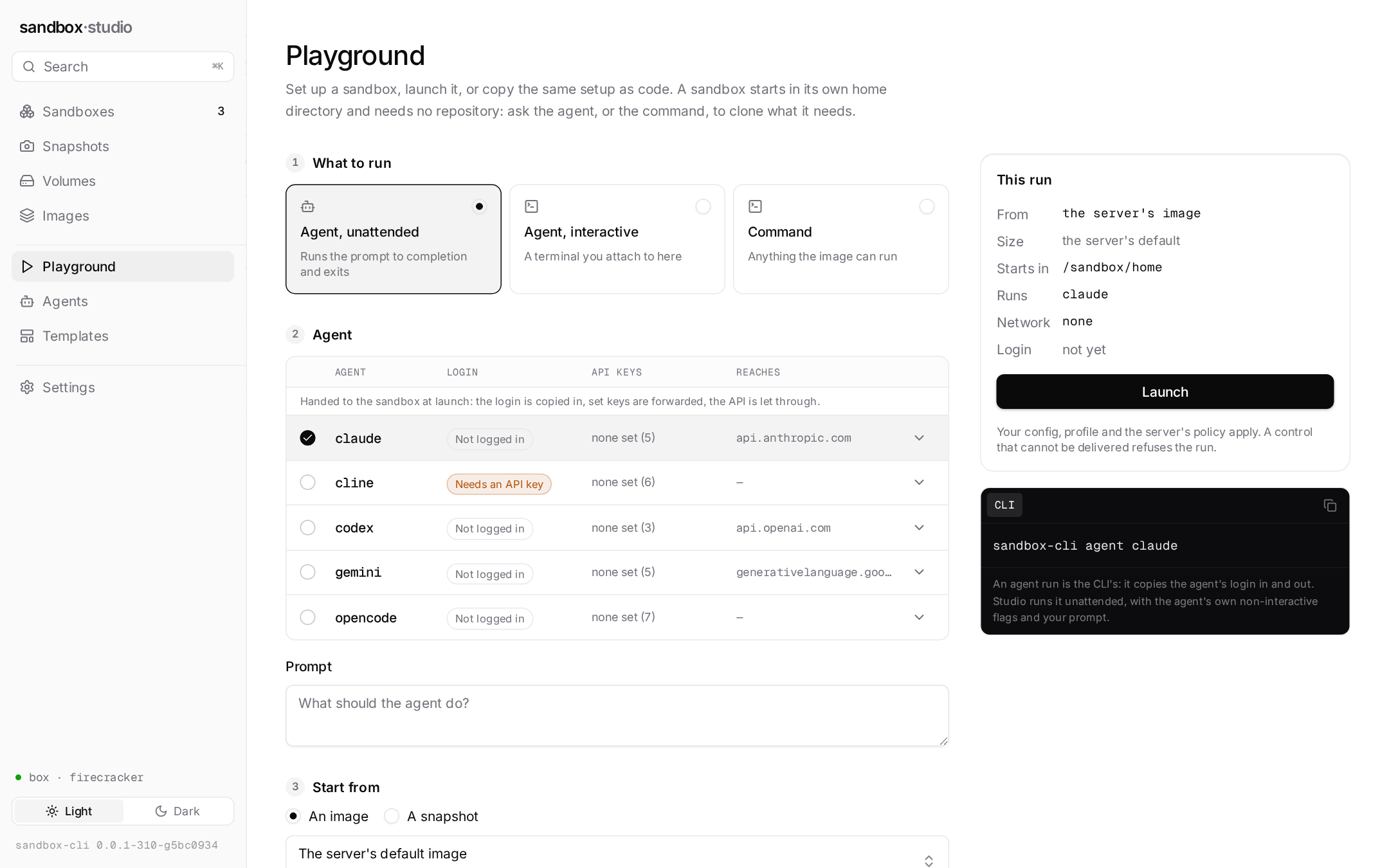
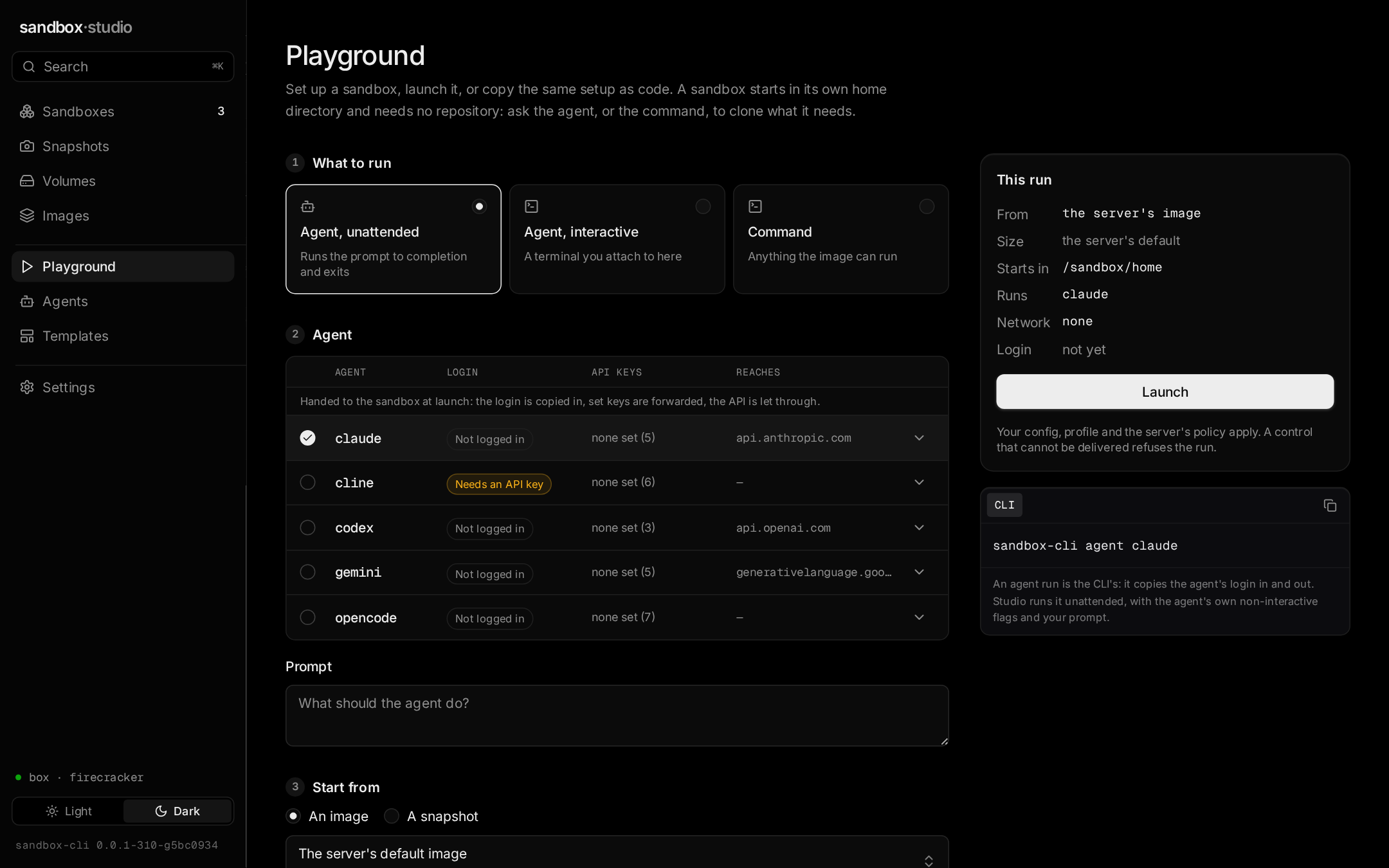
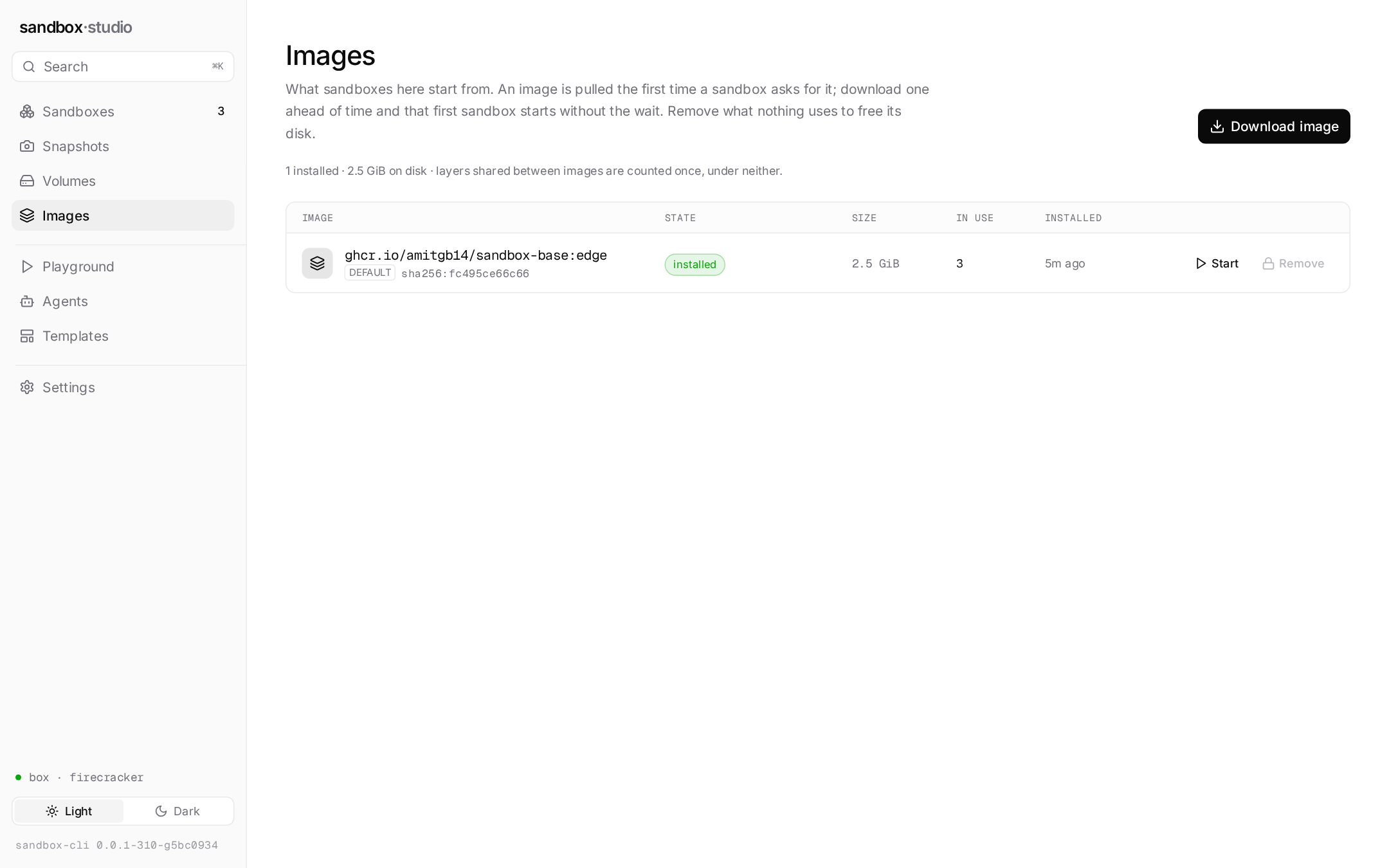
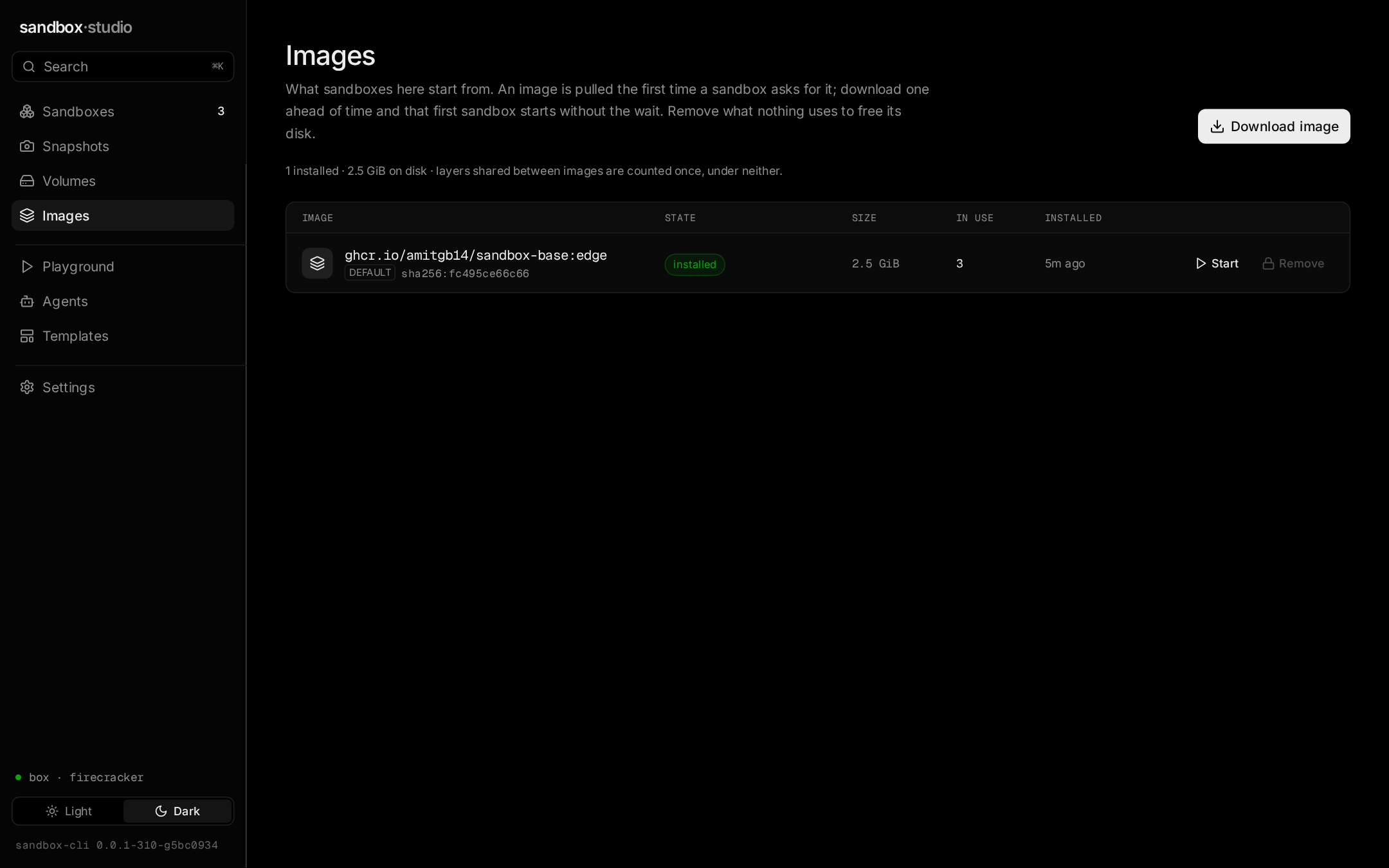
Three screens from a real session. The captions point at the numbers that are easy to read past — the denominator behind a pass rate, the run kind that explains a missing verify, the dirty count that decides whether a branch can land.

Sandbox Studio — Dashboard
Every sandbox across your repositories, and what the host is carrying. The pass rate keeps its denominator — 90% is over 841 decided runs rather than over everything that ever started — and memory in flight reads as a dash instead of 0 when nothing is running, because a run that was never measured is not a run that used nothing.